PrintIQ alternative
The modern PrintIQ alternative for print & sign shops
PrintIQ is a cloud-based print MIS with four plans: it calls its Small Business Edition "the perfect solution for smaller print shops" and Enterprise "an ideal fit for larger or more complex businesses." Its site publishes no prices, and it says implementation time "really depends on the size and complexity of your business and your internal resources to stand up the build." PrinterFlo gives you the essentials — quoting, production, approvals — right-sized and affordable.
Bring your customers and past invoices with you: export them as CSV, drop them into Settings → Import, and PrinterFlo matches the columns for you. Pricing gets set up in the options library, and we'll do that with you, free.
PrinterFlo vs PrintIQ
| PrintIQ | PrinterFlo | |
|---|---|---|
| Target shop | Smaller print shops up to larger, more complex businesses | Small & mid sign/print shops |
| Implementation | Depends on size and complexity, with training and project management | Self-serve, same day |
| Price | Not published: request a demo | Affordable, transparent |
| Production board | Department and task-based workflow boards | Simple, visual Kanban |
| Approvals | Approve module from Core up, proofs in the customer portal | No-login email approval links |
Switching from PrintIQ
The part everyone worries about, in three steps.
- 01
Export from PrintIQ
Most systems let you export your customer list as a CSV or Excel file, and many export invoice or order history too. Price lists are hit and miss: some systems export them, many don't. Whatever PrintIQ lets you export is yours to take.
- 02
Import it here
Settings → Import: drop the files in and check the columns PrinterFlo matched. Customers come in as customers, products with flat or per square foot prices, and past invoices, orders and payments as read-only history on each customer. Old invoice PDFs can go on too. Pricing formulas, matrices and tiers don't import. They get rebuilt in the options library, and we'll do that with you, free.
- 03
Bring the jobs you're still working on
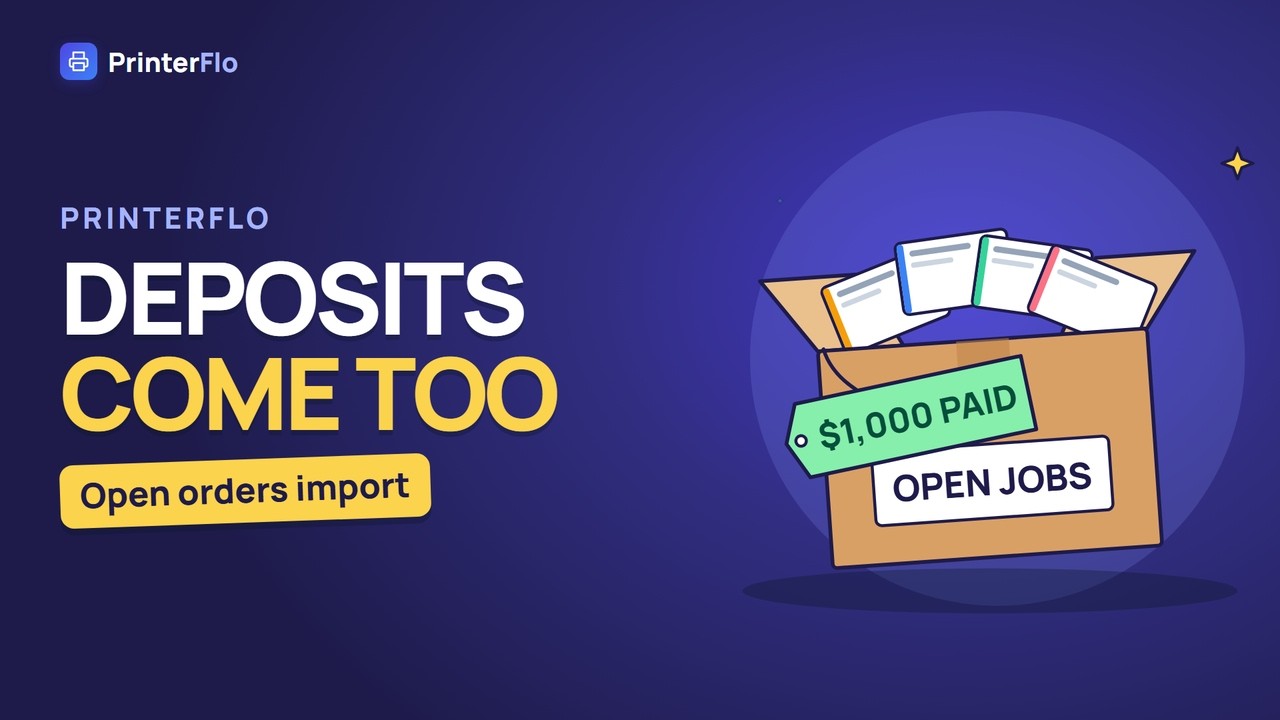
Export your open orders from PrintIQ too and drop them under Open orders. Each one becomes a live order on your board, its jobs in the column its status matches, with anything already paid counted on its balance. You tick which statuses come over, nothing emails your customers, and one click undoes the import.
Or don't do it yourself — send us the export.
We'll map and load your customers and products for you, check the prices came across right, and hand it back ready to quote from. No charge, and you don't have to be a customer first.
Where PrintIQ fits
Print businesses from smaller shops to larger or more complex ones, across offset, digital, wide format, signage, labels and packaging, that want estimating, ordering, production, inventory and invoicing in one cloud MIS and have the internal resources to stand up the build.
Why shops switch to PrinterFlo
- → No prices on its site: every plan, Small Business Edition included, starts with a demo request.
- → PrintIQ says implementation time depends on the size and complexity of your business, with a champion trained to set up, configure and maintain the system.
- → In its plan comparison, Approve is included from Core up, and customer portals, Capacity Planner, Data Capture and Store only on Enterprise.
PrintIQ alternative — FAQ
Is PrinterFlo a simpler alternative to PrintIQ?
Yes. PrinterFlo is right-sized for small and mid-size shops — the core quoting, production and approval workflow. PrintIQ's site publishes no prices, and it says implementation time depends on the size and complexity of your business.
Run your shop on PrinterFlo
A clean production board, fast quoting with a built-in sign calculator, and one-click customer approvals — built for how sign & print shops actually work.
Try it free. No card needed.